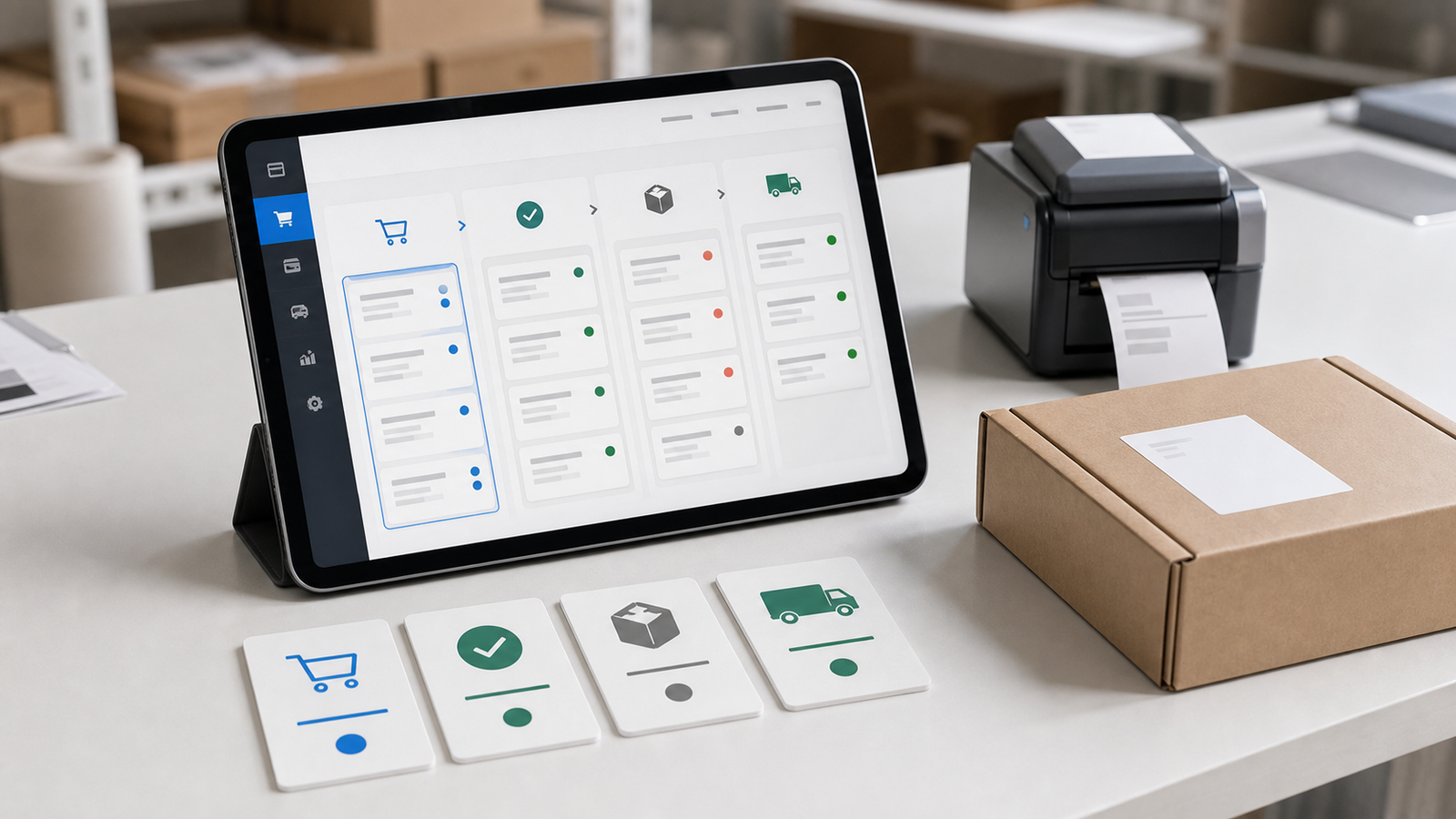
“Do we need a shopping cart?” sounds like a feature question, but it is really an operations question. Two businesses with the same number of products can need completely different systems because payment, fulfilment, inventory and after-sales rules differ.
Before comparing platforms or requesting estimates, map one order from beginning to end. A clear flow makes it easier to choose between a standard cart, a simplified order form and a custom system.
Three common approaches
Enquiry or order form
This works when pricing needs human confirmation, options are limited, or a conversation must happen before the sale. The customer submits requirements, then staff confirm price, timing and payment.
It is quick to introduce and flexible, but follow-up remains manual and it does not suit high volumes of immediate orders.
Standard shopping cart
This suits fixed prices, clear product variants and standard payment and fulfilment. Typical capabilities include a catalogue, cart, discounts, shipping, payment and order statuses.
The functions are mature, but operations must fit the platform. If every order needs a special quote or staged approval, forcing it into a cart can create more work.
Custom order system
This is appropriate for special pricing, product combinations, role permissions, approvals, scheduling or data exchange with other systems. It can match existing operations, but requires stronger requirements, testing and maintenance.
Custom development should address differences that standard products cannot support, not simply add more features.
Map the flow with four questions
1. What is the customer buying?
Confirm whether the offer is a physical product, digital content, course, subscription or standardised service. Document variants, bundles, extras, minimum quantities and pricing rules.
If price depends on size, region, quantity or membership, check whether a standard platform can express those rules or whether development is required.
2. When and how does payment happen?
List cards, bank transfer, in-store payment, cash on delivery or instalments. Define what happens after success, failure, expiry and refund.
Payment services also involve eligibility, fees, currencies, reconciliation and test environments. Do not stop at “there is a payment button”; confirm how finance staff will reconcile transactions.
3. How is the purchase fulfilled?
Physical products need inventory, shipping prices, dispatch and tracking. Digital products need download access, expiry and resending. Services may need schedules, capacity or staff assignment.
Fulfilment rules shape order fields and admin actions. If the admin does not fit daily work, the team will return to spreadsheets and messaging tools.
4. How is after-sales work handled?
Define cancellation, refunds, exchanges, partial refunds and support notes. Keep a record of who changed each status and when.
A complete order history helps customer service and makes it possible to understand the sequence of payment, notifications and handling when something goes wrong.
Order statuses should reflect real work
Do not copy another platform without checking. Start with a minimum set such as:
- Awaiting review
- Awaiting payment
- Paid
- Processing
- Completed
- Cancelled or refunded
Each status needs an owner, allowed actions and notifications. For example, decide whether “Paid” sends an email, reduces inventory and which roles may change an order to “Refunded”.
Define the source of truth before integration
Commerce sites often connect accounting, logistics, email, membership or inventory tools. Before integration, decide which system owns each type of data and what happens when synchronisation fails.
When one order exists in several systems, its number, status and update time must remain traceable. Otherwise, automation only multiplies errors faster.
Map exceptions, not only the happy path
Most support and operational cost comes from a small number of orders that require judgement rather than from normal transactions:
- The payment provider reports success but the website did not create an order
- Stock becomes unavailable after the customer pays
- The customer changes an address, option or invoice detail after checkout
- One order needs split fulfilment, partial cancellation or a partial refund
- Logistics, email or another service temporarily stops returning status
- A paid digital product has an expired or repeatedly used download link
For every exception, define how it is detected, who owns it, whether actions are audited and what explanation the customer receives. Without these rules, a feature-rich admin still sends staff back to chat messages and spreadsheets.
Compare options with five operating measures
When choosing between an order form, standard cart and custom system, record:
- Monthly order volume: ten and one thousand orders allow very different levels of manual work
- Variation per order: more options, add-ons, price rules and fulfilment combinations increase configuration complexity
- Manual minutes per order: measure work from review and payment through completion
- Required integrations: identify which payment, logistics, invoice, accounting, membership and inventory data must sync immediately
- Cost of failure: estimate the impact of overselling, duplicate charges, incorrect fulfilment or a data exposure
If a standard platform covers most of the flow and only requires small internal adjustments, it is usually more stable than a fully custom build. If staff repeatedly work around the platform, customising the critical step may become the more sensible option.
Short example: food pre-orders
A pre-order business may sell only ten products but still need collection dates, daily production limits, allergen data, chilled fulfilment and late-cancellation rules. Product count is not the main measure of complexity. The important questions are:
- Is availability calculated per collection date or from one shared stock figure?
- Does successful payment immediately reserve production capacity?
- Can each location see only its own preparation list?
- May customers change collection time before a cut-off?
- Who approves no-show, quality and refund cases?
Once these rules are explicit, the team can decide whether a standard plugin is enough or whether only capacity and collection need a dedicated module.
Introduce the system in phases
The first phase should cover core products, checkout, payment, order administration and essential notifications. Discounts, membership tiers, marketing automation and advanced reports can follow once the order flow is stable.
Compare more than first-year build cost. Include platform subscriptions, transaction fees, plugins, maintenance, manual handling and future migration. The right system is one the team can operate reliably every day while retaining a clear view of data and exceptions.