Business website projects rarely stall because a page cannot be coded. They stall because services are still changing, images are scattered across devices, nobody owns the follow-up after a form is submitted, or each decision-maker has a different definition of “finished”.
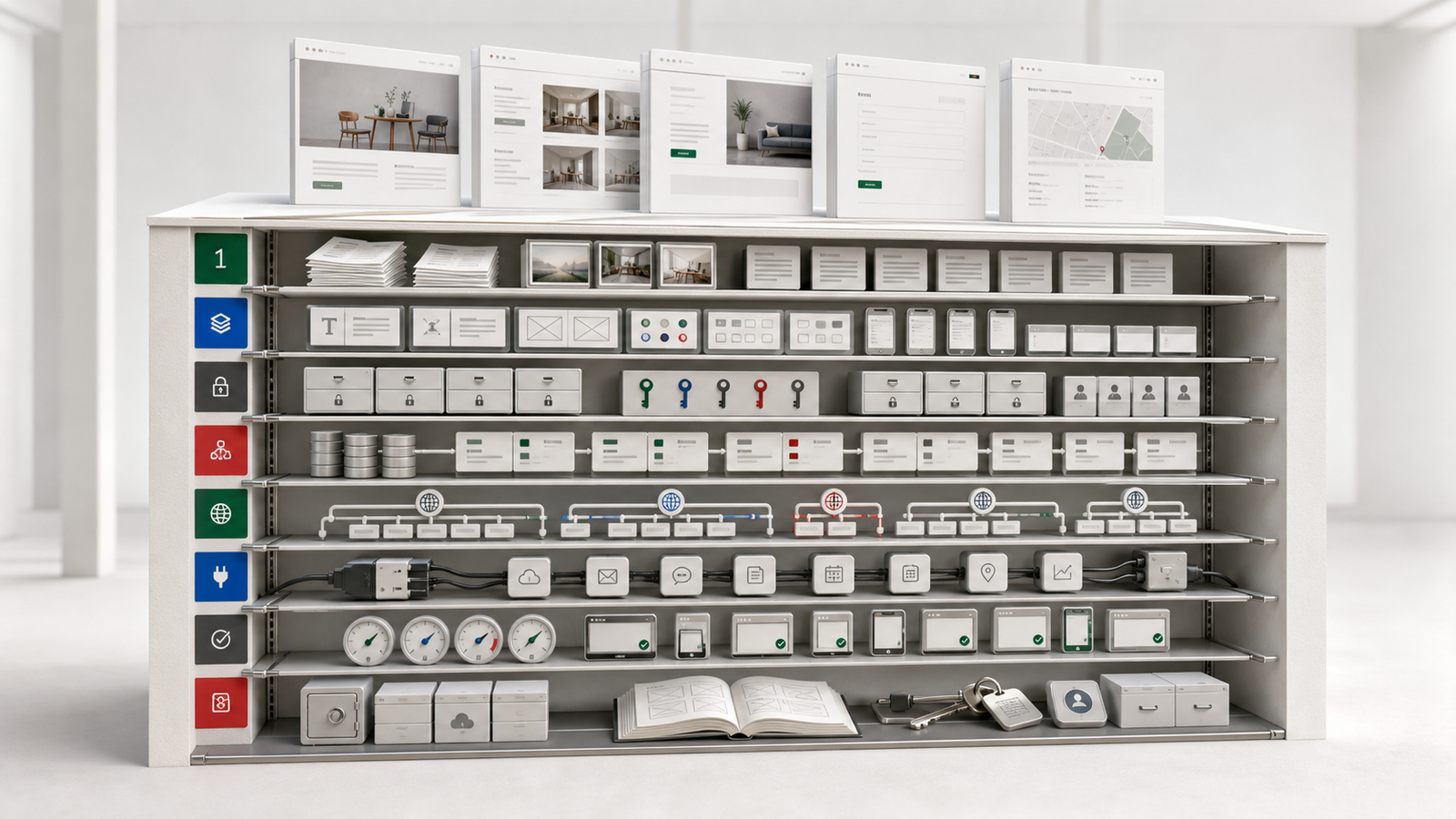
Preparing the following seven areas does not mean every answer must be perfect. It creates a shared starting point, makes estimates more realistic and reduces avoidable rework.
1. The primary outcome
Write down the most important result the website should produce. Examples include:
- Help first-time visitors understand the offer quickly
- Capture better-qualified enquiries
- Enable online booking or ordering
- Create one reliable source for multiple locations
- Reduce repetitive customer-service questions
If ten goals are equally important, priorities have not been decided yet. Choose one or two outcomes for the first release and place the rest in a later phase.
2. The audience and their context
“Everyone” is not an actionable audience definition. Identify who the main visitors are, where they arrive from and what they need to confirm.
A new visitor from search may look for credibility, scope and contact details. Someone who already knows the brand through social media may care more about pricing, examples and the next step. Those differences shape homepage order, navigation and calls to action.
3. Services, products and business rules
List what the business genuinely sells today. For each item, describe the intended customer, what is included, what is excluded, how pricing should appear and what the customer should do next.
For carts, bookings or memberships, also define payment, cancellation, refund, fulfilment, inventory and notification rules. An admin system cannot be designed correctly until those rules are understood.
4. Existing copy, images and brand assets
Create an asset inventory and mark what is ready, what needs rewriting and what needs to be photographed or designed. Typical items include:
- Source logo files and brand colours
- Company or brand introduction
- Service and product descriptions
- Team, venue, product and case-study images
- Testimonials or publishable results
- Contact details, social profiles and locations
If assets are missing, agree on a temporary approach early. Image content and proportions affect the entire layout, so image sourcing should not begin after the design is complete.
5. What happens after a customer acts
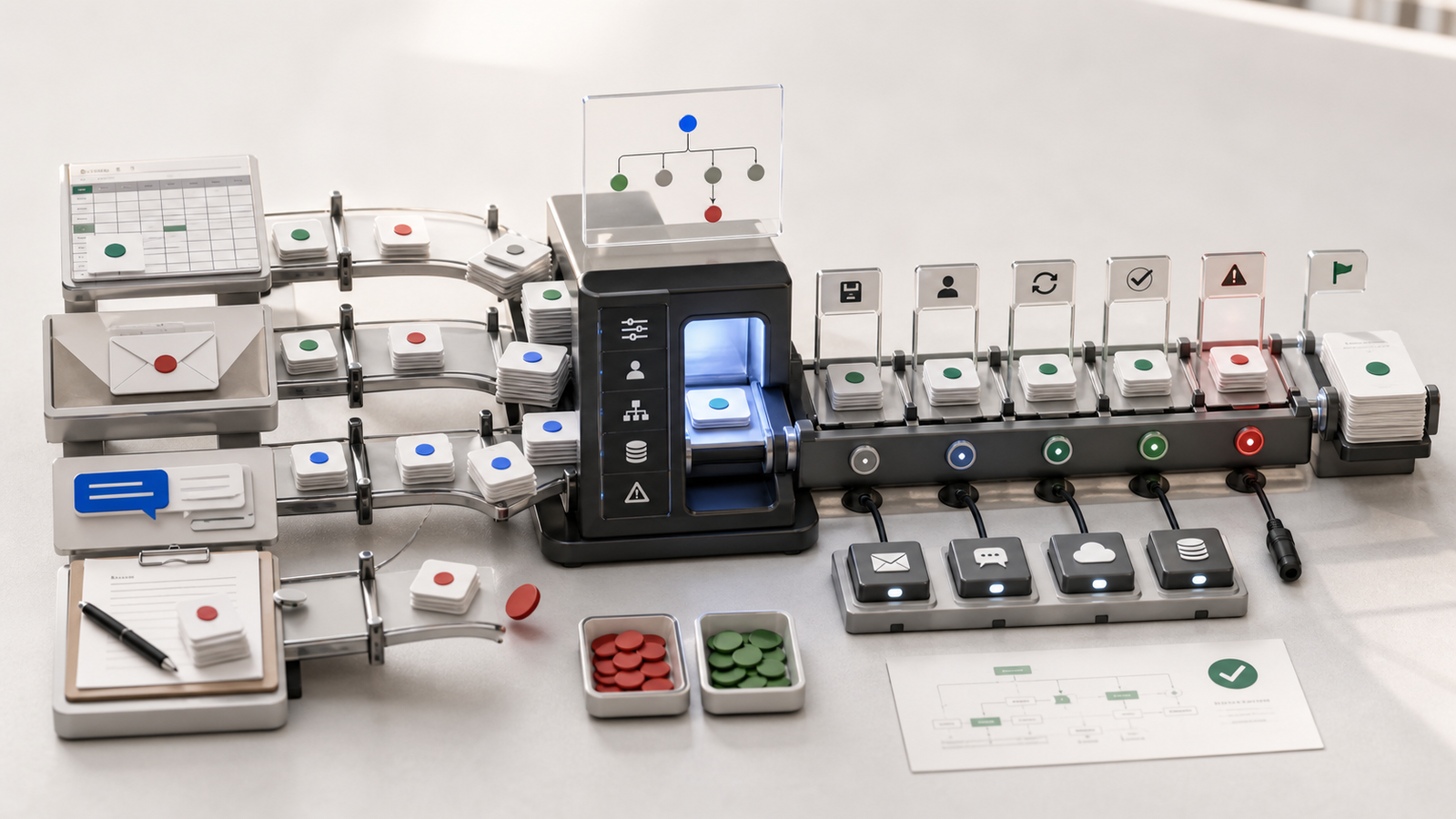
A website button is only the beginning of a workflow. Document where submitted data goes, who owns it, the expected response time, how progress is recorded and how staff can investigate a missing notification.
For orders or bookings, define statuses from creation and confirmation through payment, fulfilment, completion or cancellation. This determines whether the project needs a simple form, a full admin system or integration with an existing tool.
6. Management roles and account ownership
List who will maintain the website after launch. Some people may only publish articles, handle orders or review enquiries; not everyone needs full administrator access.
Also confirm who owns the domain, hosting, analytics, business email and third-party service accounts. Clear ownership makes handover, backup and access removal much easier.
7. Scope, timing and acceptance criteria
List the pages and functions included in the first phase, and explicitly record what is not included. Confirm content deadlines, the testing period, target launch date and final decision-maker.
Avoid an acceptance standard such as “it looks fine”. Use verifiable outcomes instead: all three languages switch correctly, enquiries reach the admin, mobile pages have no horizontal overflow, an administrator can publish an article, and important pages have the correct title and description.
Test the brief with a real scenario
Imagine a restaurant brand with two locations that needs a multilingual website and online reservations. A useful brief goes further than “we need a brand website and booking feature”:
- Primary outcome: help first-time visitors confirm the menu, locations and available reservation times
- Main audiences: local customers, travellers and mobile users arriving from Google Maps
- Core flow: choose a location, date, party size and time, provide contact details and receive confirmation
- First-phase scope: homepage, menu, locations, reservation, news and a basic content admin
- Deferred work: loyalty points, delivery integrations and complex vouchers
- Acceptance criteria: every language has a shareable URL, location rules are correct, duplicate submissions do not create two bookings, and administrators can find each record
This level of detail tells designers how to prioritise information, gives developers the data and exception rules, and shows the business which decisions must be made first. It is much easier to estimate and test than a request for “a premium-looking website”.
Four common planning mistakes
Designing before real content exists
Layouts built with placeholder headings, images and services often change when actual material arrives. Copy length, image ratios and the number of sections affect the structure, so late content usually creates more rework.
Putting every idea into the first release
More features also mean more test cases, management rules and training. Complete the most important customer flow first, then use real behaviour to decide what belongs in phase two.
Treating a feature name as a requirement
“Shopping cart”, “booking” and “membership” are only labels. A usable requirement also defines statuses, permissions, notifications, cancellation, refunds, retention and exception handling.
Leaving final decisions unassigned
When everyone may request changes but nobody owns approval, the project keeps moving backwards. Each phase needs one person who can confirm content, scope and acceptance.
What the first meeting should produce
A useful requirements meeting should leave at least:
- Prioritised outcomes and a first-phase scope
- A page list with the primary action for each page
- The user journey from arrival to completed action
- Required copy, images, accounts and named owners
- Unresolved business rules with decision deadlines
- Testable acceptance criteria and a launch approach
These documents do not need to be long. They need to let the next person continue without guessing. When goals, inputs, ownership and completion standards are traceable, the project relies less on verbal memory.
A practical pre-project checklist
Before the first requirements meeting, prepare:
- A one-page goal and priority summary
- The main audience and three common questions
- A service or product list
- A copy, image and account inventory
- The enquiry, order or booking workflow
- The administrators and decision-makers
- First-phase scope, timing and acceptance criteria
This material helps a supplier estimate accurately, but it also reveals rules the business has not settled internally. Website planning is not only about screens. It connects brand information, customer actions and daily operations.