Not every business website needs a CMS. A content management system is valuable when services, case studies, articles, campaigns or multilingual pages change regularly and the business wants its own team to maintain them. If the site changes once or twice a year and nobody owns content internally, a managed update service may be simpler.
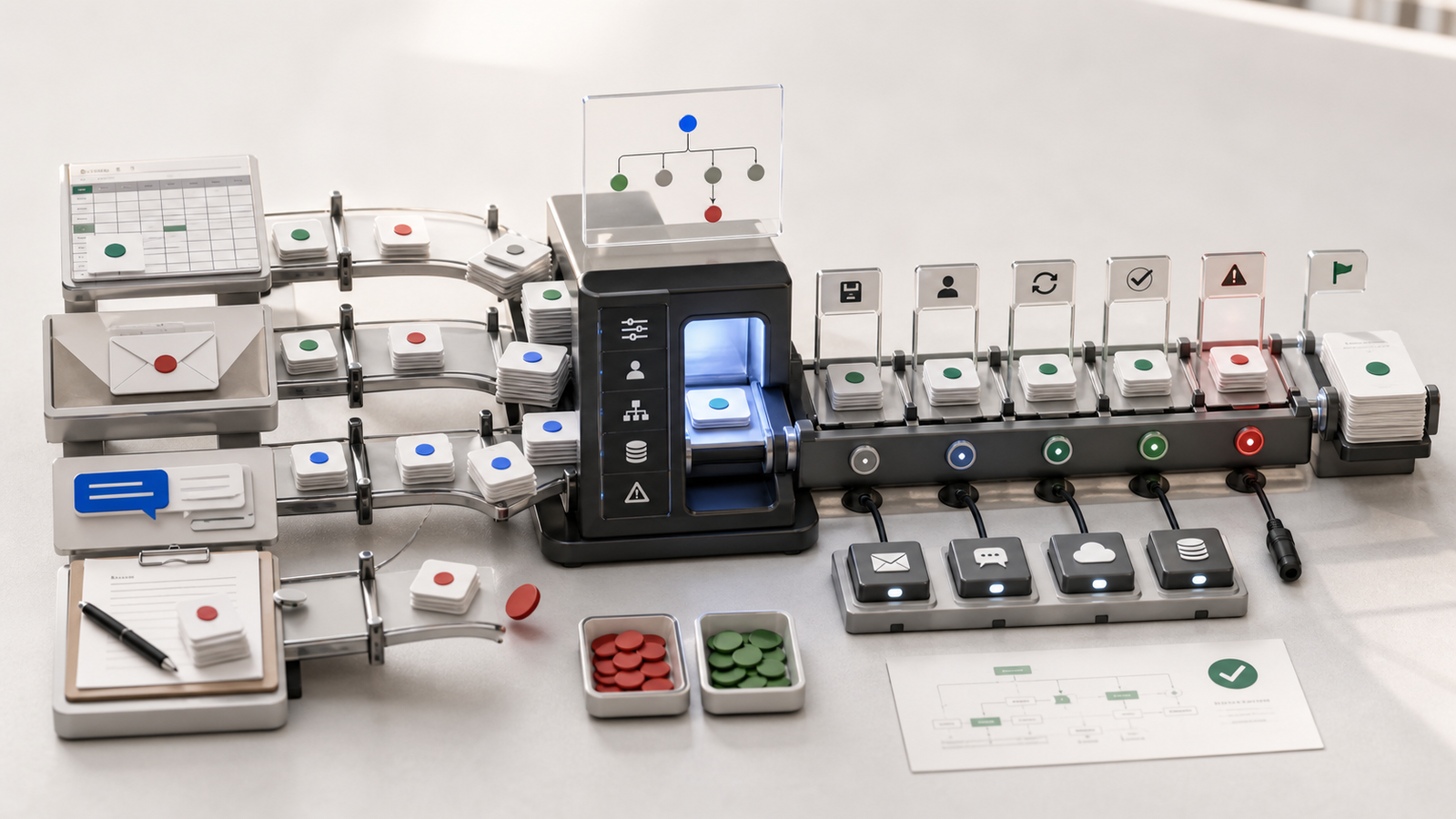
The most important distinction is this: a CMS manages content; it is not automatically a complete operational system. It normally handles pages, articles, images and search metadata. Enquiry assignment, orders, memberships, inventory, bookings and payments require separate features or integrations.
What does a CMS actually manage?
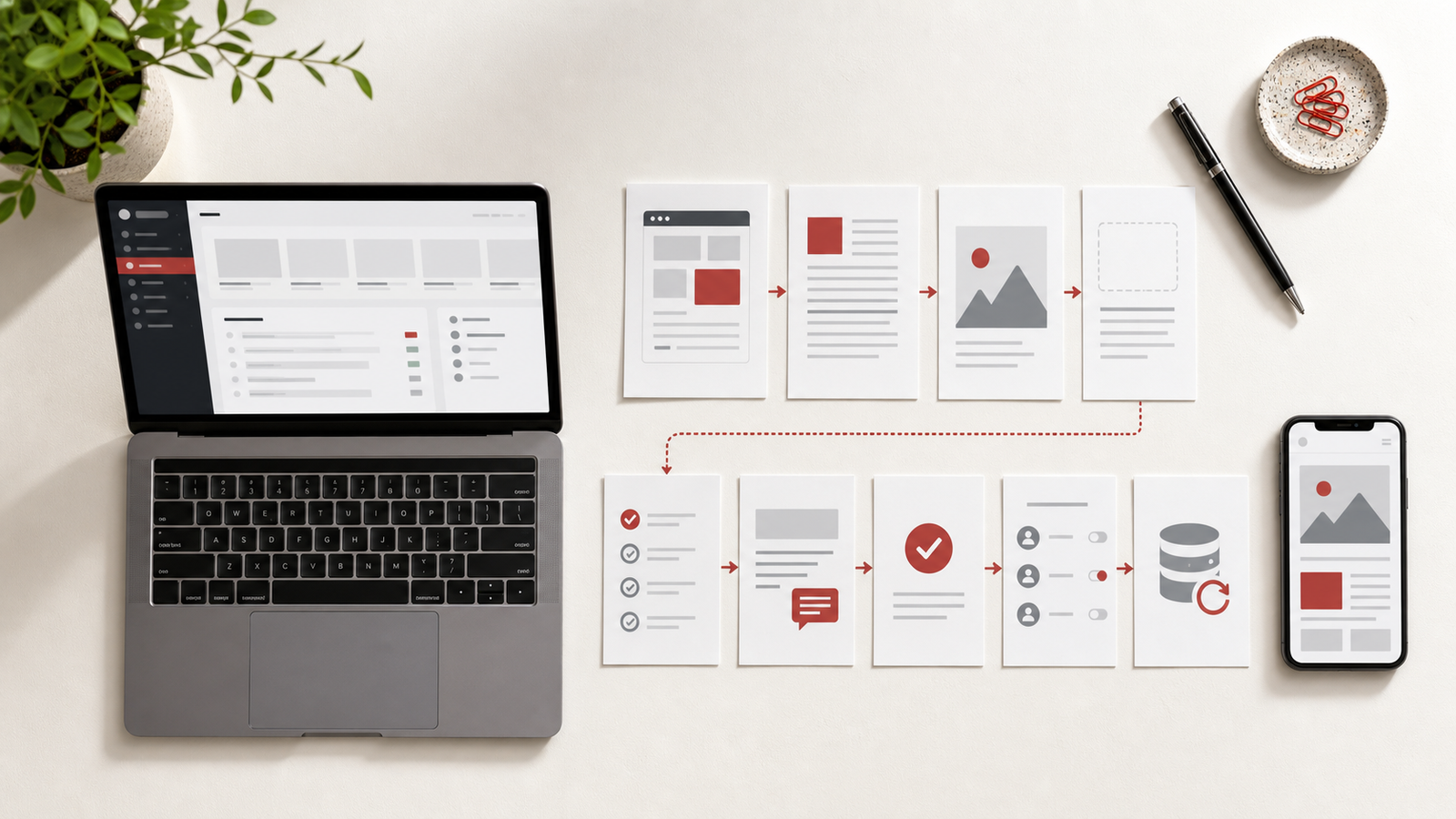
CMS stands for Content Management System. It gives authorised users a private interface for updating website content without editing source code. Typical actions include:
- Creating, updating and archiving articles
- Editing service pages, FAQs and announcements
- Uploading cover images, case-study media and files
- Managing Chinese, English and Spanish versions
- Setting titles, URLs, excerpts and search descriptions
- Saving drafts, previewing changes and scheduling publication
- Limiting who may write, review or publish
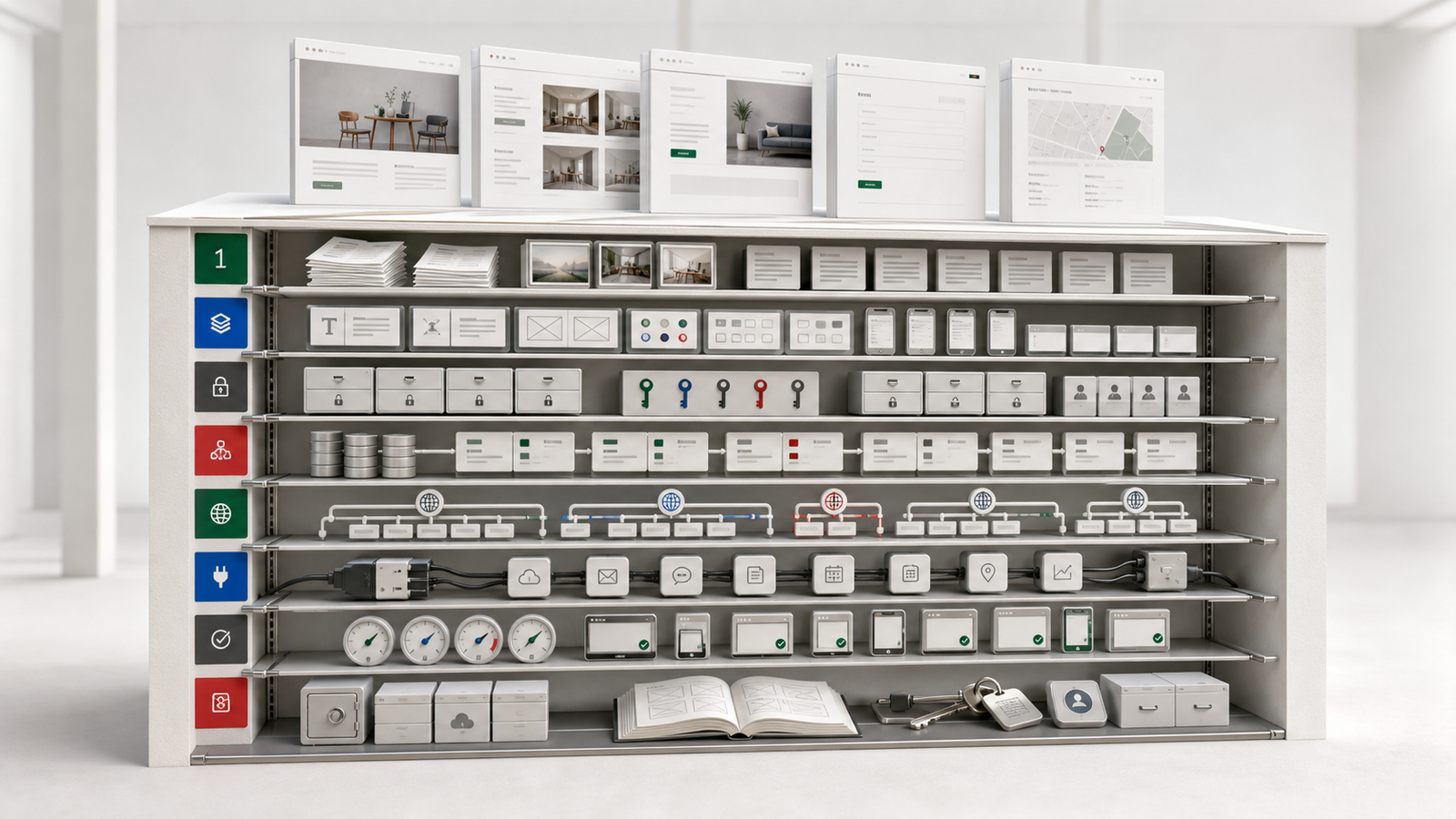
A useful CMS is not merely one large text box. It keeps titles, summaries, images, categories, languages, publication status and SEO fields structured. Editors can update the content without being able to break the entire layout accidentally.
A six-question decision check
Ask the following questions:
- Will the company publish articles, projects, campaigns, jobs or service updates every month?
- Do non-developers need to make those updates themselves?
- Must one topic be maintained in more than one language?
- Does content need management, brand or legal approval before publication?
- Do you need drafts, scheduled publication, archives or reusable older content?
- Would slow or incorrect updates affect customers, sales or operations?
If most answers are yes, a CMS is usually worth considering. One or two yes answers may justify a lightweight editor. If every answer is no, fixed pages with a maintenance agreement may be enough. This is a practical planning method, not a universal formula.
Six situations where a CMS is usually useful
1. Content changes on a regular schedule
A company may publish weekly insights, monthly case studies, frequent campaigns or ongoing job openings. Asking a developer to change code every time creates repeated delay and coordination. A CMS lets the content owner prepare drafts and plan releases directly.
2. Several people share responsibility
Marketing writes articles, sales manages case studies and HR publishes vacancies, but not everyone should have full administrator access. Roles can limit what each person may view, edit or publish and make access removal easier when responsibilities change.
3. The website is multilingual
A multilingual site requires more than pasted translations. Editors need to know whether every language is complete, which version changed last, whether the URLs are correct and which translations must be updated after a service changes. A CMS can keep language versions together as one managed topic.
4. Information expires
Events, opening hours, courses, promotions, announcements and policies have time limits. Draft, scheduling, unpublishing and archiving controls reduce the risk of outdated material remaining visible for months.
5. Publication requires review
If management or a brand owner must approve content, an edit should not become public immediately. A stronger CMS can separate draft, review and publication stages and record who made each change.
6. Content supports search and lead generation
When a business answers customer questions through articles, service pages and case studies, content is part of customer acquisition. A CMS helps preserve stable URLs, titles, summaries, internal links and a regular publishing process without repeated code changes.
When might a full CMS be unnecessary?
A CMS adds implementation, permissions, security updates, backups and training. More controls are not automatically better. A simpler approach may be appropriate when:
- The website has only a few stable pages
- Content changes once or twice a year
- Nobody in the company is responsible for updates
- Every change requires a new design rather than a content replacement
- Another system is already the single source of truth
- The immediate priority is validating a service, not building a content operation
For example, a consultancy with five fixed pages and one annual team-photo update may not need a complete CMS. A clear maintenance agreement could be easier than operating an admin area that is rarely used.
How is a CMS different from other admin systems?
“We need an admin panel” is too broad to estimate or design. Break it down into the actual work people need to perform.
Content management
Manages pages, articles, images, categories, languages, SEO fields and publication status.
Enquiry or customer management
Captures forms, assigns owners, records contact progress, stores internal notes, sends email notifications and applies retention rules.
E-commerce and order management
Handles products, prices, carts, payments, order status, refunds, inventory and fulfilment.
Booking management
Handles dates, time slots, capacity, resources, cancellation rules and reminders.
Membership or internal operations
Handles authentication, roles, private records, workflows and reporting.
These modules may share one login and navigation, but their data, rules and risks are different. A CMS may be one part of a broader system; it does not replace every operational function.
Four practical examples
A design studio publishing monthly projects
The studio adds two case studies each month. Marketing prepares the copy and a design lead approves the images. A CMS is a good fit because the structure repeats, updates are regular and draft approval is needed.
A restaurant website in three languages
The restaurant updates menus, location news and articles, so a multilingual CMS is useful. Reservation times, seating capacity and cancellation rules are operational data, however, and require a booking feature. Both may appear in one admin navigation without being treated as the same type of record.
A manufacturing site with stable content
The company presents equipment, technical capability and contact details. Specifications change annually and there is no internal content owner. Fixed pages with planned maintenance may be enough initially. A CMS can be added later if technical publishing or multilingual catalogues become regular work.
A commercial website that accepts orders
The company needs articles as well as products, payments and orders. It therefore needs a CMS plus an order system, not order records forced into article fields. The modules can share a brand experience while keeping permissions, backups and tests appropriate to each function.
Eight areas to define before building a CMS
1. Editable scope
List what editors may change and what remains controlled by development. “Everything should be editable” is not a usable boundary and often makes layouts easier to damage.
2. Content types and fields
Define the title, excerpt, cover, body, category, author, date, action and related links for each content type. Articles, case studies, products and jobs should not automatically share one generic form.
3. Roles and permissions
Decide who may write, review, publish and delete. Full access should be limited to the people who need it; daily work should use the least privilege appropriate to each role.
4. Draft and publication workflow
Half-finished content must not appear publicly. Confirm whether the business needs preview links, scheduled publishing, archiving, restoration and change history.
5. Media rules
Set allowed file types, sizes, image ratios, rights confirmation and alternative text. Without rules, a media library quickly accumulates oversized, duplicated or unlicensed files.
6. Multilingual responsibility
Choose the source language, translators, reviewers and the behaviour when a translation is missing. An incomplete language version should remain in draft rather than create an empty public page.
7. Search and sharing fields
At minimum, manage page titles, search descriptions, URLs and social-preview images and ensure the sitemap can be updated. A CMS provides controls; it does not guarantee search rankings.
8. Backup, security and maintenance ownership
Assign responsibility for software updates, access removal, backups, restore drills and incident handling. Launching an admin area begins an operational responsibility rather than ending the project.
Costs that are easy to overlook
A CMS can reduce repeated requests for small website edits, but it creates new work:
- Content fields, templates, roles and workflows must be designed first
- Editors need guidance for images and structured content
- Software requires updates, backups and security checks
- Multilingual content requires translation and review ownership
- Greater editing freedom usually means more testing and layout safeguards
The useful question is not simply “should we add a CMS?” It is “which content should be managed by whom, under which rules?” A focused system with the necessary fields is often more reliable than a page builder that lets every user change everything.
What to prepare for the first requirements meeting
Document:
- What content will change each month and how often
- Who writes, translates, reviews and publishes
- Which languages must be managed
- Whether drafts, scheduling, archives and history are required
- Which images and files editors may upload
- Which needs are content and which are enquiries, orders or bookings
- Who owns the domain, hosting, admin accounts and analytics
- How deleted content and departing-user access will be recovered or removed
This is much more useful for scope and pricing than a request for “a backend we can edit ourselves”. It also exposes missing responsibilities before implementation begins.
Frequently asked questions
Can we launch without a CMS and add one later?
Yes, but the first version should preserve a sensible content structure and expansion path. If every page is hard-coded without reusable content types, adding a CMS later may require restructuring data, URLs and templates rather than merely adding a login page.
Does a CMS remove the need for website maintenance?
No. Editors can maintain content, but the application, hosting, backups, security, compatibility and incident response still need technical maintenance. Content operations and technical maintenance are separate responsibilities.
Will a CMS improve SEO automatically?
No. It can make titles, descriptions, URLs, image alt text and sitemap updates easier to manage, but search performance still depends on useful content, sound technical structure, trust and audience demand.
Is WordPress the same thing as a CMS?
WordPress is one type of CMS, but CMS is a wider category. It may also be a custom content module inside a Laravel application or a separate content service. Select the approach by function, maintenance capability, integration needs and budget rather than by product name alone.
Can editors change the entire design through a CMS?
Not necessarily, and unrestricted layout editing is often undesirable for a business site. A stable approach lets editors change defined content fields while the system protects templates and critical workflows. This reduces accidental mobile layout problems and inconsistent branding.
Conclusion: decide from operations, not page count
Whether a business website needs a CMS depends on update frequency, ownership, languages, approval flow and the importance of content to daily operations. Sites with ongoing publishing, shared responsibility or multilingual coordination benefit most. A small site with stable content may be better served by fixed pages and a clear maintenance service.
Separate content management from enquiries, orders, bookings and memberships before deciding which modules should be integrated. The result should reflect how the organisation actually works, not merely provide a feature-heavy dashboard that nobody uses.
Related reading: Seven things to prepare before planning a business website. When you have defined update frequency, owners and essential workflows, start a project and Stage of Me can help determine whether fixed pages, a focused CMS or an integrated custom system is the right scope.